Build a Python Quiz Game: Step-by-Step Tutorial for Kids
Ready to build your first Python game? In this fun tutorial from AI Valley, the best coding institute in Zirakpur, you'll create an interactive Quiz Game that asks questions, checks answers, keeps score, and crowns a winner!
🎯 What You'll Build
A terminal-based quiz game that asks 5 science and tech questions, gives instant feedback on each answer, tracks your score, and shows a fun final verdict based on how well you did.
📋 Prerequisites & Materials
Python 3.8+ installed on your computer (download from python.org)
A Code Editor: VS Code, PyCharm, or even IDLE (comes with Python)
Basic typing skills — no prior coding needed!
Create a file called quiz_game.pyStep 1: Set Up Your Questions Database
Every quiz needs questions! We'll store them in a
list of dictionaries — one of Python's most powerful data structures.
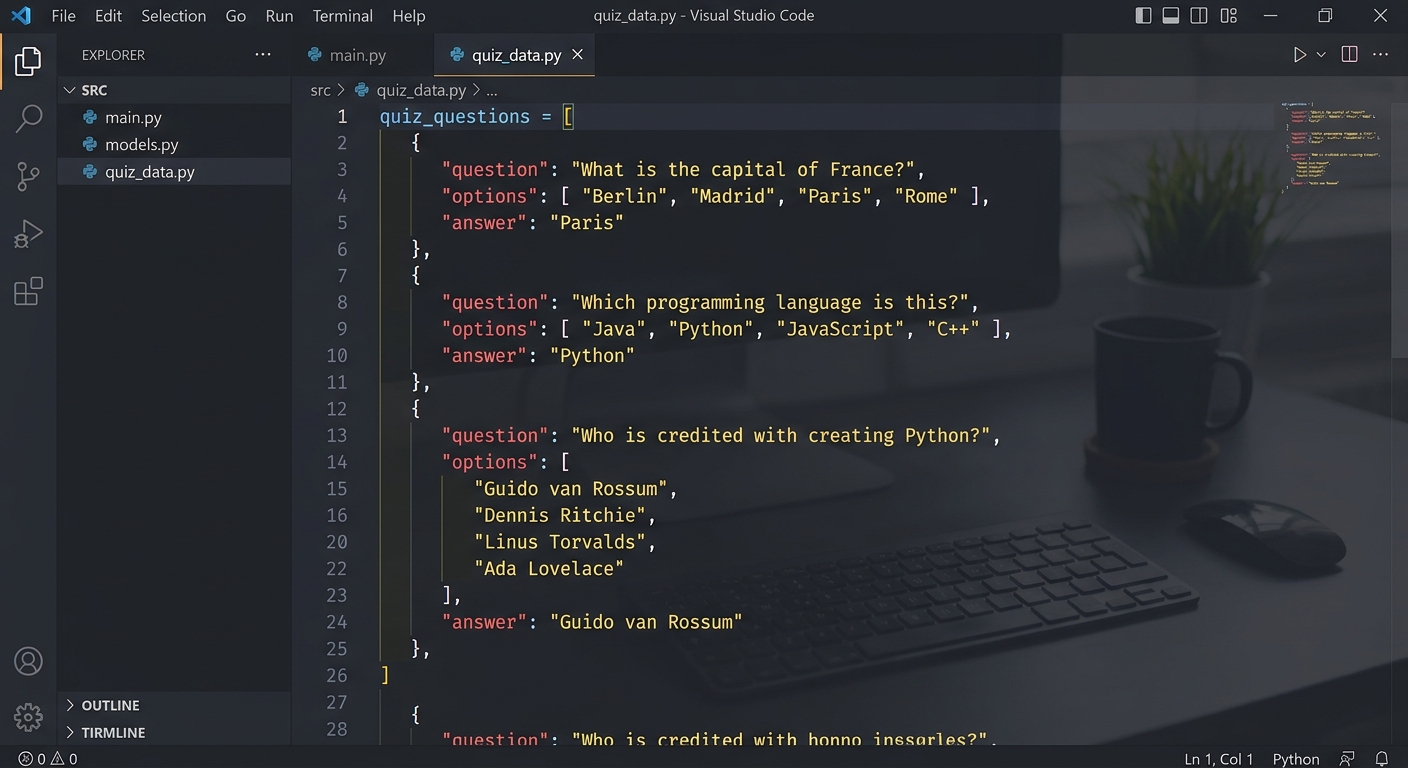
A code editor showing Python dictionary structures with quiz questions
python
# quiz_game.py - AI Valley Zirakpur
# A fun quiz game for kids!

import time
import random

# Our question bank - each question is a dictionary
questions = [
    {
        "question": "What does CPU stand for?",
        "options": ["A) Central Processing Unit", "B) Computer Personal Unit", "C) Central Program Utility"],
        "answer": "A"
    },
    {
        "question": "Which programming language is named after a snake?",
        "options": ["A) Java", "B) Python", "C) Ruby"],
        "answer": "B"
    },
    {
        "question": "What does HTML stand for?",
        "options": ["A) How To Make Layouts", "B) HyperText Markup Language", "C) Home Tool Markup Language"],
        "answer": "B"
    },
    {
        "question": "Which planet is known as the Red Planet?",
        "options": ["A) Venus", "B) Jupiter", "C) Mars"],
        "answer": "C"
    },
    {
        "question": "What does AI stand for?",
        "options": ["A) Artificial Intelligence", "B) Automatic Input", "C) Advanced Internet"],
        "answer": "A"
    }
]

print("Welcome to the AI Valley Quiz Game! 🎮")
print("=" * 40)
What this code does: We import time for cool delays and random to shuffle questions. Each question is stored as a dictionary with the question text, multiple choice options, and the correct answer letter.
Step 2: Build the Question-Asking Engine
Now let's write the function that presents each question and checks the player's answer:
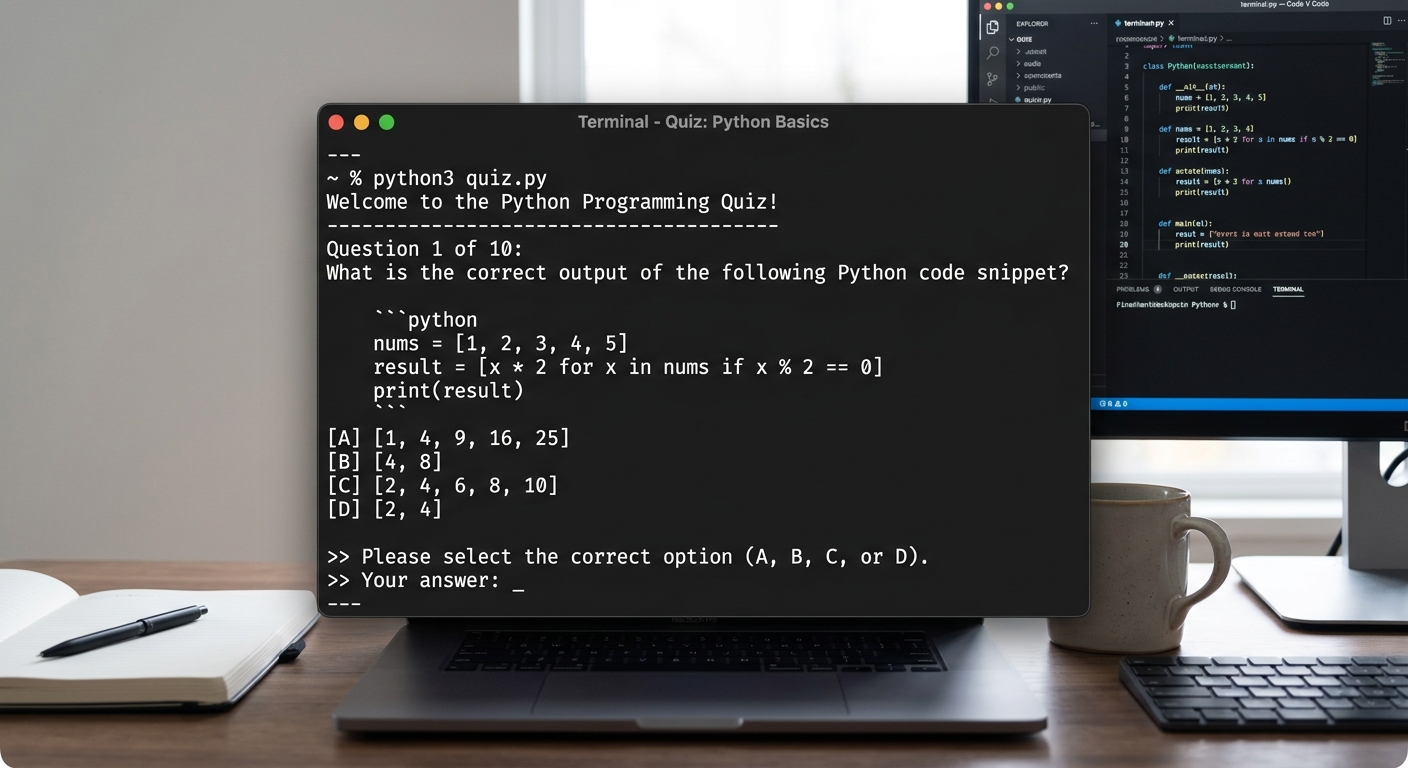
A terminal showing a quiz question with multiple choice options displayed
python
def ask_question(q, question_num):
    """Display a question and check the answer."""
    print(f"\nQuestion {question_num}:")
    print(f"  {q['question']}")
    print()

    # Display the options
    for option in q["options"]:
        print(f"  {option}")

    print()

    # Get the player's answer
    while True:
        answer = input("Your answer (A/B/C): ").upper().strip()
        if answer in ["A", "B", "C"]:
            break
        print("  ⚠️  Please enter A, B, or C!")

    # Check if correct
    if answer == q["answer"]:
        print("  ✅ Correct! Great job! 🎉")
        time.sleep(0.5)
        return True
    else:
        print(f"  ❌ Wrong! The correct answer was {q['answer']}")
        time.sleep(0.5)
        return False
What this code does: The function prints the question and options, uses a while True loop with input validation to ensure the player enters a valid choice, then checks against the correct answer and returns True or False.
Step 3: Create the Game Loop and Scoring System
Let's put it all together with a main game loop that tracks the score:
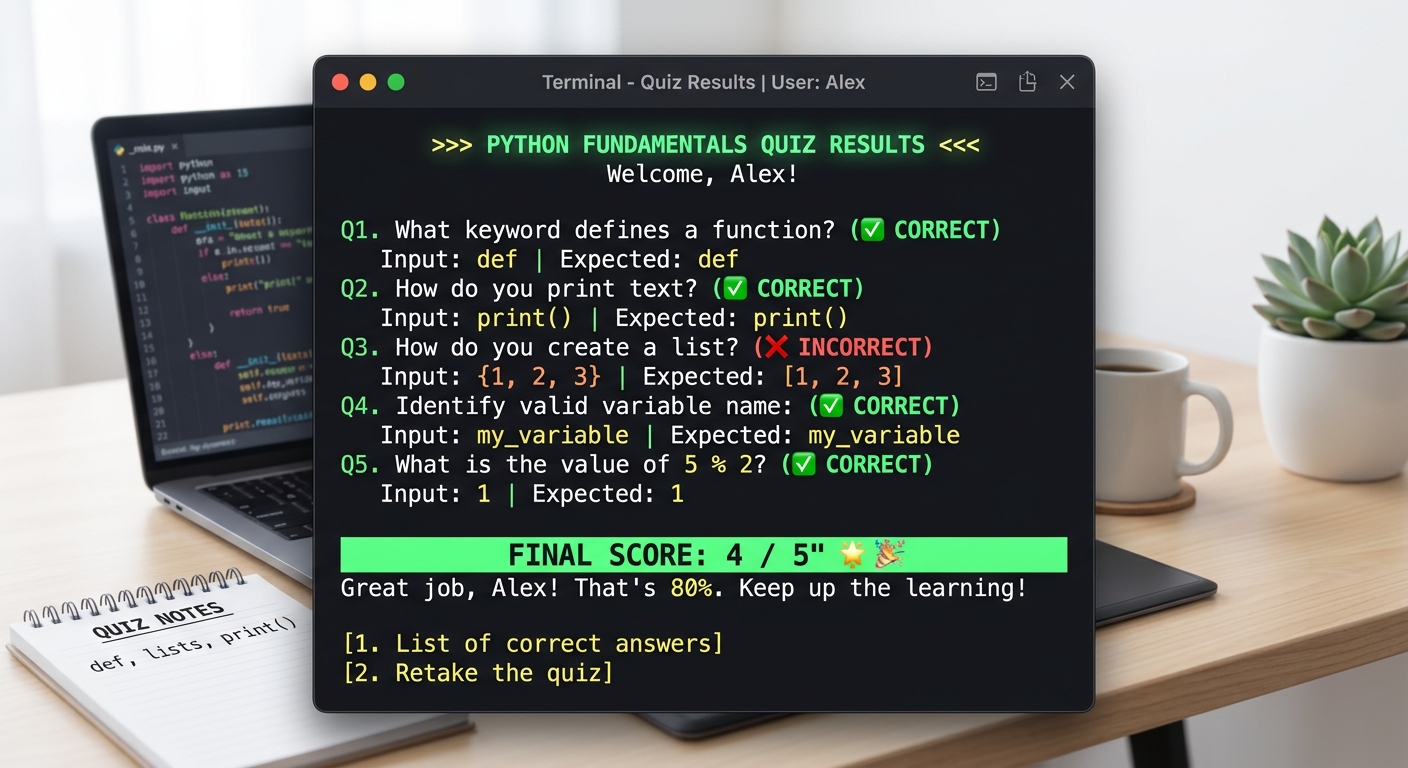
A terminal showing the quiz in progress with score tracking
python
def play_game():
    """Main game function."""
    # Shuffle questions for variety each time
    random.shuffle(questions)

    score = 0
    total = len(questions)

    print(f"\n🧠 You will be asked {total} questions. Let's go!\n")
    time.sleep(1)

    # Ask each question
    for i, q in enumerate(questions, 1):
        if ask_question(q, i):
            score += 1

    # Show final results
    print("\n" + "=" * 40)
    print(f"   FINAL SCORE: {score}/{total}")
    print("=" * 40)

    # Fun verdict based on score
    percentage = (score / total) * 100
    if percentage == 100:
        print("   🏆 PERFECT! You're a genius! 🧠")
    elif percentage >= 80:
        print("   🌟 Excellent! Almost perfect!")
    elif percentage >= 60:
        print("   👍 Good job! Keep learning!")
    elif percentage >= 40:
        print("   📚 Not bad! Practice more!")
    else:
        print("   💪 Keep trying! You'll get better!")

    print(f"\n   Thanks for playing the AI Valley Quiz! 🎮")
Step 4: Add Play-Again Feature and Run the Game
Finally, let's add the ability to play again and start the game:
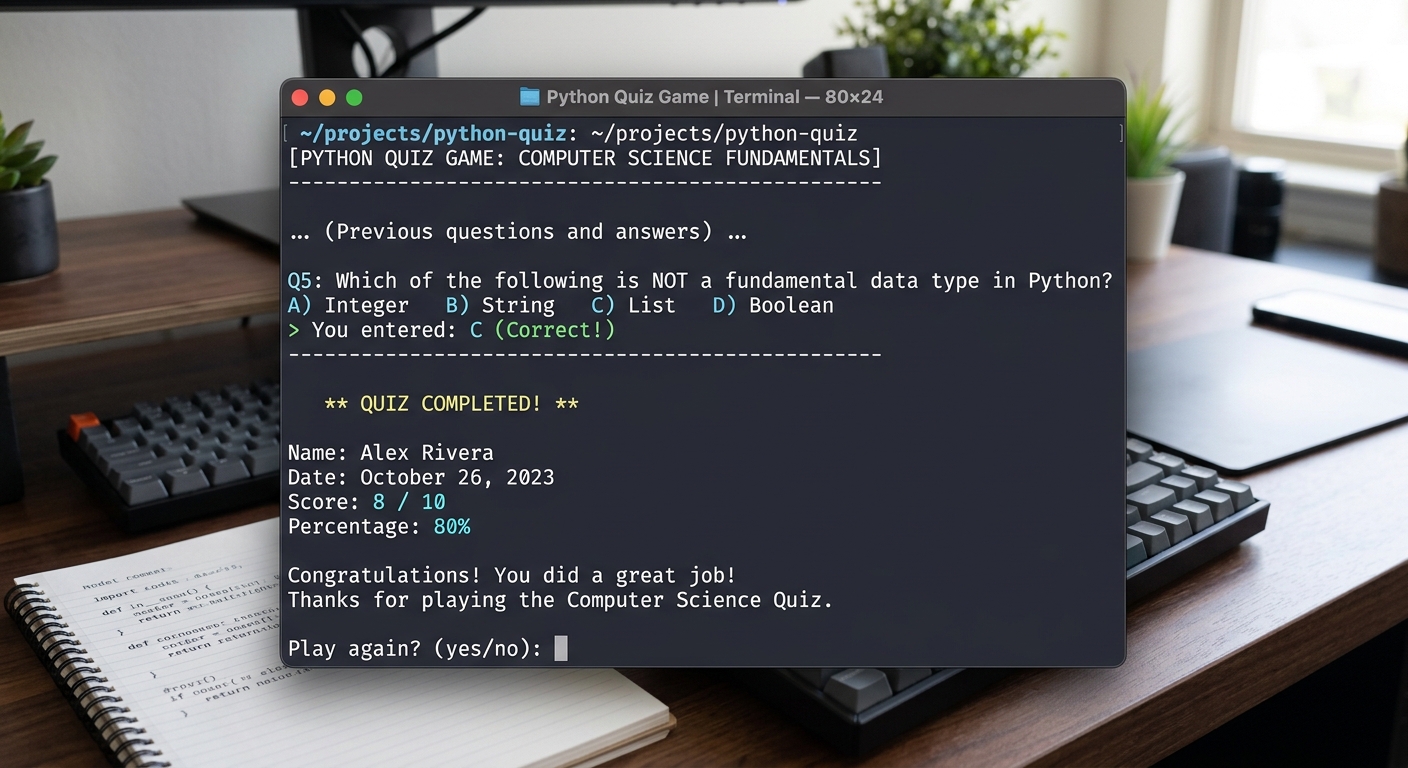
A terminal showing the final score screen with a play-again prompt
python
def main():
    """Entry point with play-again loop."""
    print("\n🎮 AI VALLEY QUIZ GAME 🎮")
    print("Built by students at AI Valley, Zirakpur")
    print("The best coding institute in Tricity!\n")

    while True:
        play_game()

        # Ask to play again
        print()
        again = input("Play again? (yes/no): ").lower().strip()
        if again not in ["yes", "y"]:
            print("\n👋 Thanks for playing! Visit AI Valley in Zirakpur to learn more coding!")
            break

# Start the game!
if __name__ == "__main__":
    main()
Run the game with: python quiz_game.py
Expected Output: The game welcomes you, shuffles 5 questions, gives instant ✅/❌ feedback, shows your final score with a fun emoji verdict, and asks if you want to play again!
🎉 Final Result
You've built a complete, interactive quiz game in Python! You learned about dictionaries, lists, functions, loops, input validation, string formatting, and conditional logic — all fundamental programming concepts.
🚀 Challenge: Take It Further
Add more questions: Expand the question bank to 20+ questions and randomly pick 5 each game
Add a timer: Use time.time() to limit answer time to 10 seconds per question
Add difficulty levels: Create Easy, Medium, and Hard categories with different points🏫 Learn More at AI Valley
Love Python? At
AI Valley in Zirakpur, we teach Python from absolute basics to advanced AI and machine learning — all through fun projects like this one. We serve students across
Chandigarh, Mohali, and Panchkula. Book a free trial class today!