

Build an Interactive Memory Card Game: Vanilla JS Tutorial | AI Valley Zirakpur
Welcome to another exciting hands-on web development build! At AI Valley in Zirakpur, our students build dynamic, interactive projects just like this every single week. Creating real, playable games is one of the most effective ways to master coding logic, DOM manipulation, and web design. In this step-by-step tutorial, you will build a fully functional Memory Card Matching Game using raw HTML, CSS, and vanilla JavaScript. If you've been looking to dive into STEM education and tech skill-building in the Tricity area, this project is the perfect launchpad for your coding journey.
🎯 What You'll Build
You will build a classic memory match game where players click cards to flip them over and reveal hidden emojis. If two flipped cards match, they stay face-up. If they don't, they automatically flip back down after a short delay. The game will track the number of moves taken.
This is exactly the kind of highly interactive, logic-driven project our introductory web development students in Chandigarh and Mohali build to solidify their understanding of JavaScript state management and CSS animations.
Why Vanilla JavaScript?
Before diving into heavy frameworks like React or Angular, it is crucial to understand "Vanilla" (plain) JavaScript. Building this game without external libraries ensures you truly understand how the browser processes logic, handles user events, and manipulates the Document Object Model (DOM).📋 Prerequisites & Materials
To follow this tutorial, you don't need any expensive software or high-end computers. You just need a few free, industry-standard tools:
.html, .css, .js) on your computer.Note: If you are searching for the best coding classes for kids in Panchkula or surrounding areas and prefer learning in a structured, hands-on environment, our physical labs provide all the necessary computers, software, and expert guidance!
Step 1: Setting Up the Semantic HTML Structure
The foundation of any web application is HTML (HyperText Markup Language). It provides the structural skeleton of the page. We will use modern, semantic HTML5 tags to hold our game board, a title, and a moves counter.
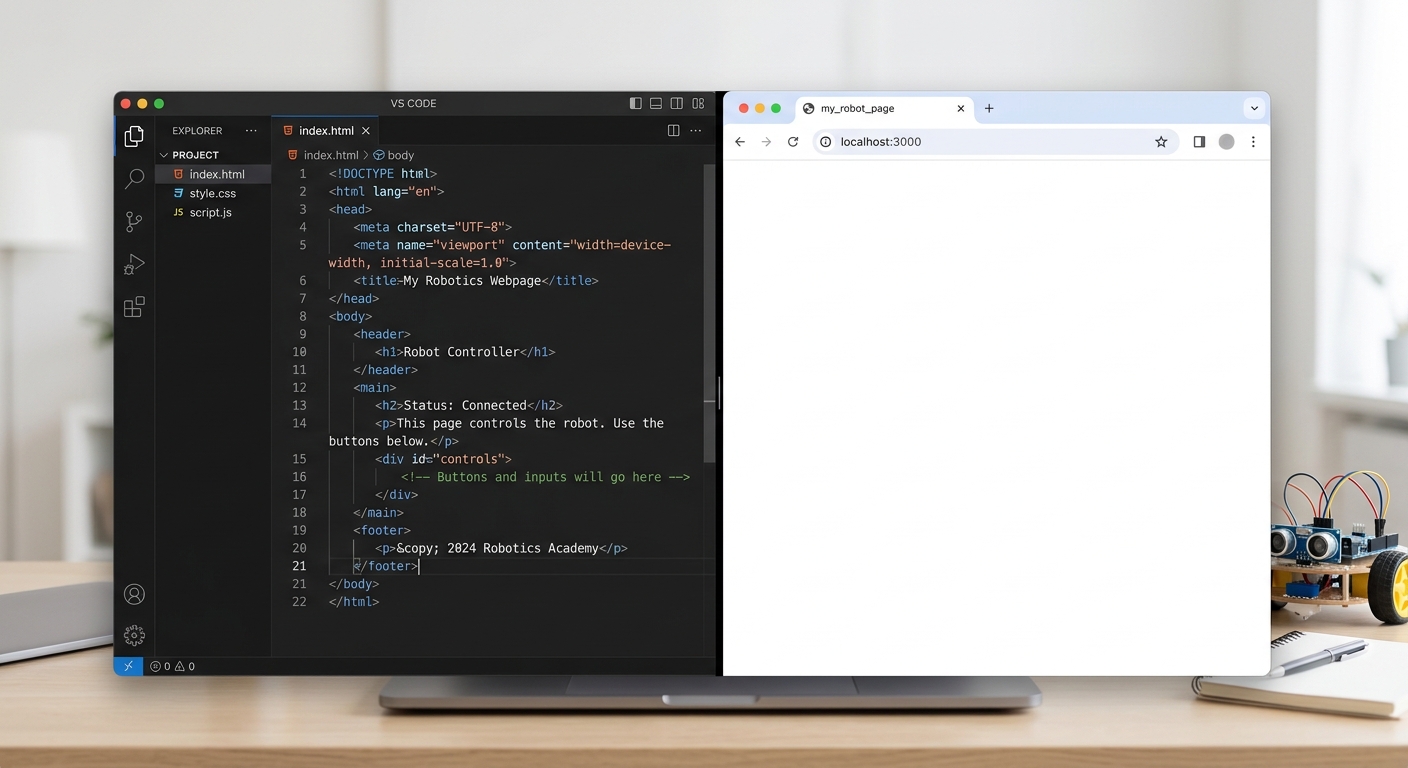
A screenshot of a code editor showing the basic index.html structure with a blank white browser window next to it.
Create a new folder on your computer named memory-game, open it in VS Code, and create a file named index.html. Add the following code:
What this code does:
holds a moves. We will use JavaScript later to target this exact ID and update the number every time the player attempts a match.
The
The